AgentKit API
火山引擎Call the Volcano Engine AgentKit agent API and get a conversational agent with tool calling and memory running in 30 minutes.
An automation tool that combines AI capabilities with business process automation through visual workflows.
n8n is a fair-code licensed workflow automation tool that combines AI features with business process automation. Users can try it for free in the cloud and then choose a plan, or self-deploy via a one-line command, Docker Compose, or a cloud provider. The official documentation offers guidance for building your first workflow, learning paths, and conceptual explanations of data transformation expressions and workflow logic, along with examples for connecting Claude Desktop, Claude Code, and Codex CLI to the n8n MCP server—well suited for developers and ops teams building automation and AI agent workflows.
n8n is positioned as a workflow automation tool, and its official documentation explicitly states that it combines AI features with business process automation. For deployment, the documentation lists multiple paths: free cloud trial followed by choosing a plan, one-line command installation, Docker Compose installation, and hosting via a cloud provider. Learning resources include Build your first workflow, Learning paths, the Key concept glossary, and community license information. Feature concepts cover expressions for data transformation, workflow logic, and execution mechanisms. Official sample workflows are also provided, such as creating a API endpoint, AI agent chat, AI-powered web scraping and summarization, and merging different datasets. For connectivity, the documentation includes client examples for connecting Claude Desktop, Claude Code, and OpenAI Codex CLI to the n8n MCP server, along with example MCP add commands for claude/codex.
Developers, ops teams, and technical teams that need to build business process automation and AI agent workflows; judging from the documentation's AI agent chat, web scraping and summarization, and data merging examples, it also suits users who want to connect LLM clients (such as Claude Desktop and Codex CLI) into automated workflows.
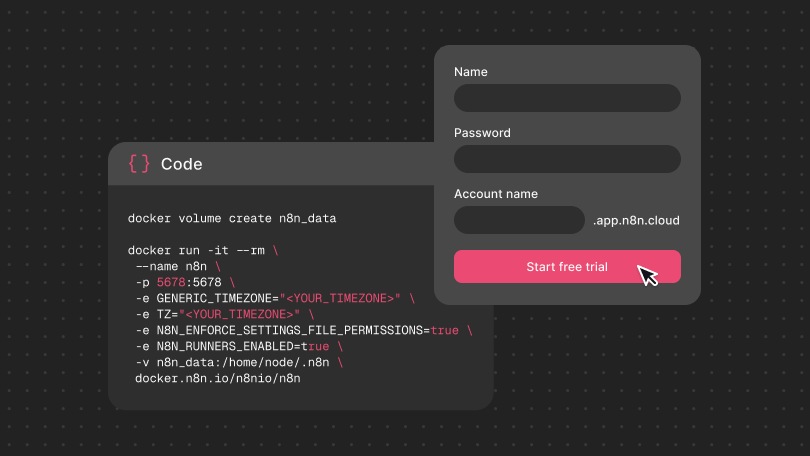
Go to docs.n8n.io to choose how to use it: cloud trial or self-hosted installation.
For self-hosting, follow the documentation to install via a one-line command, Docker Compose, or a cloud provider.
Build your first workflow by following the "Build your first workflow" guide.
When needed, refer to Learning paths and the Key concept glossary to understand expressions, workflow logic, and execution mechanisms.
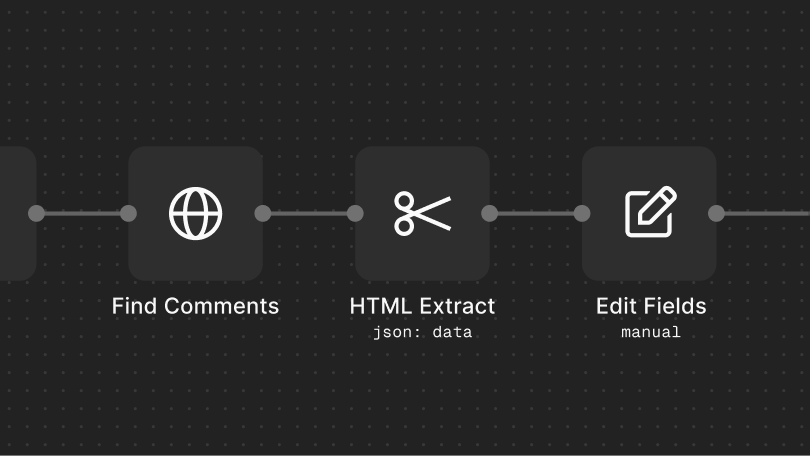
You can reference official workflow examples such as AI agent chat and web scraping and summarization in the workflow library.
To connect an LLM client, follow the documentation to connect Claude Desktop, Claude Code, or Codex CLI to the n8n MCP server.
For cloud use, you can try it for free before choosing a plan; self-hosting requires a Docker Compose or cloud provider deployment environment. The documentation also offers Forum community support and Community license information. Finer restrictions such as region and account requirements are not mentioned on the collected page—check the official website.
费用与套餐:The documentation mentions that you can try it for free before choosing a plan, but specific plan pricing is not given on the collected page—refer to the official website.